

PowerTOP2026-06-30T12:39:31+02:00

The Software for Stone Kitchen and Bathroom Countertops

Kitchen and Bathroom Stone Countertop Design, Just a Click Away

Quick Design Process

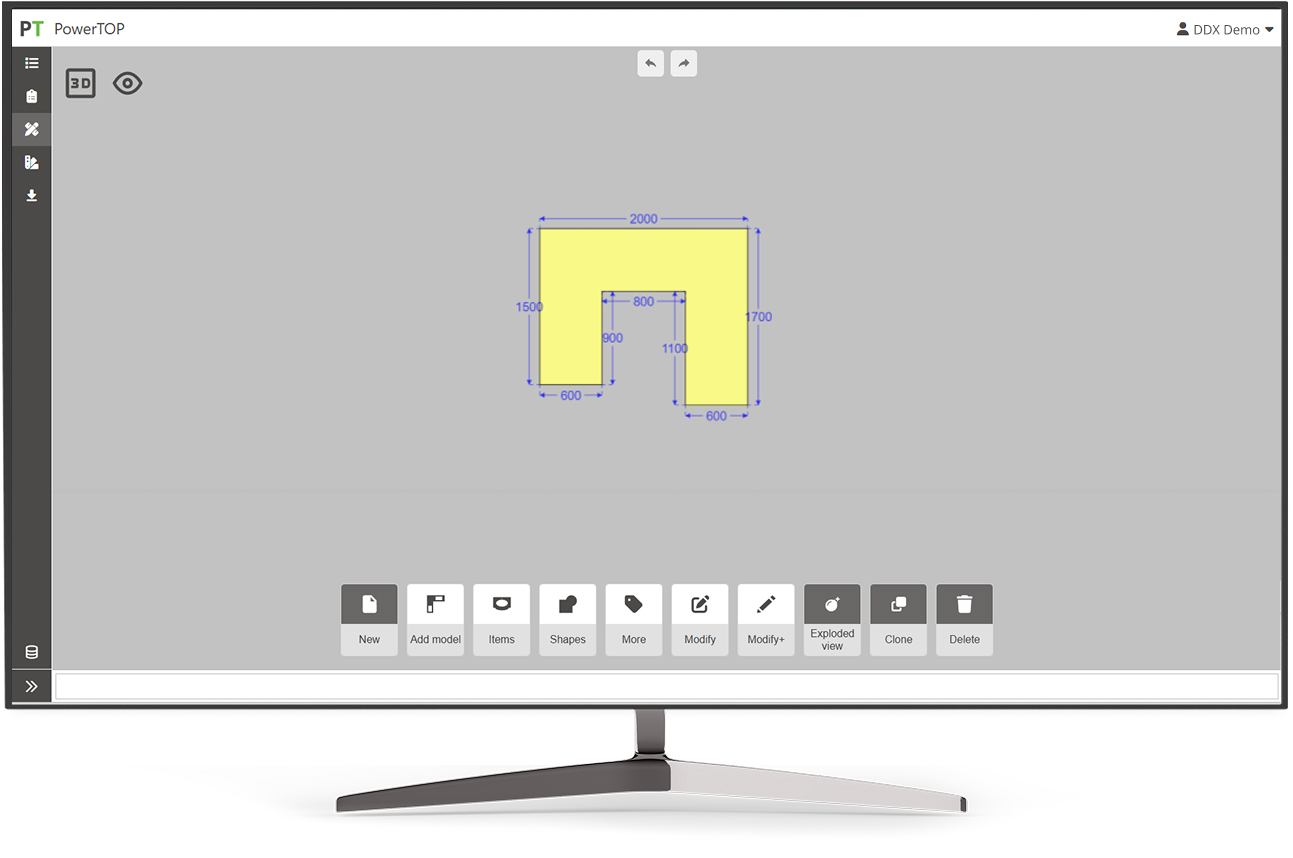
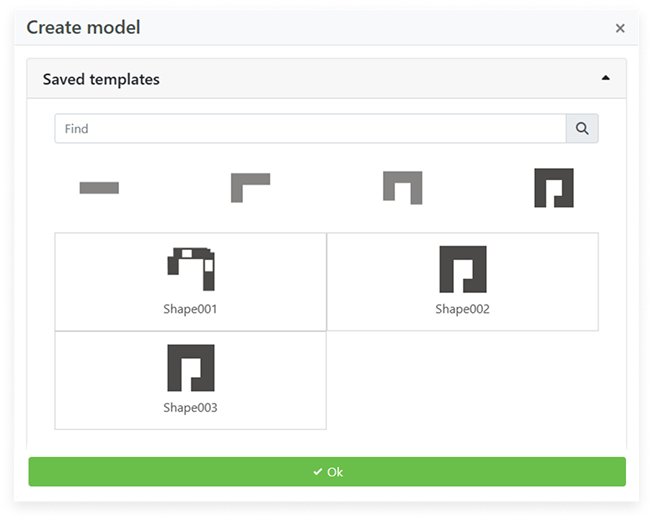
PowerTOP provides a range of predefined parametric templates. Define the shape of your stone countertop, customize it, and save it to your database.

Stone Nesting

Optimize the space on your slab. Strategically arrange the shapes of the pieces to be cut and minimize waste without sacrificing efficiency.

Vein-Matching

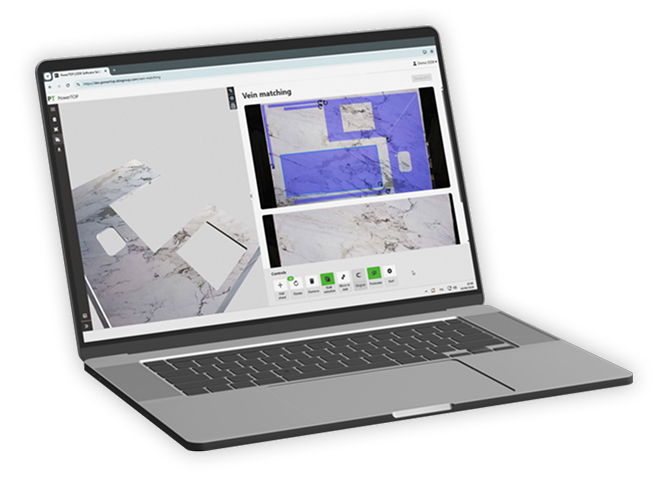
Emphasize the natural beauty of the stone by aligning the veining of two or more adjacent panels for a continuous, uniform surface.

Slab Warehouse

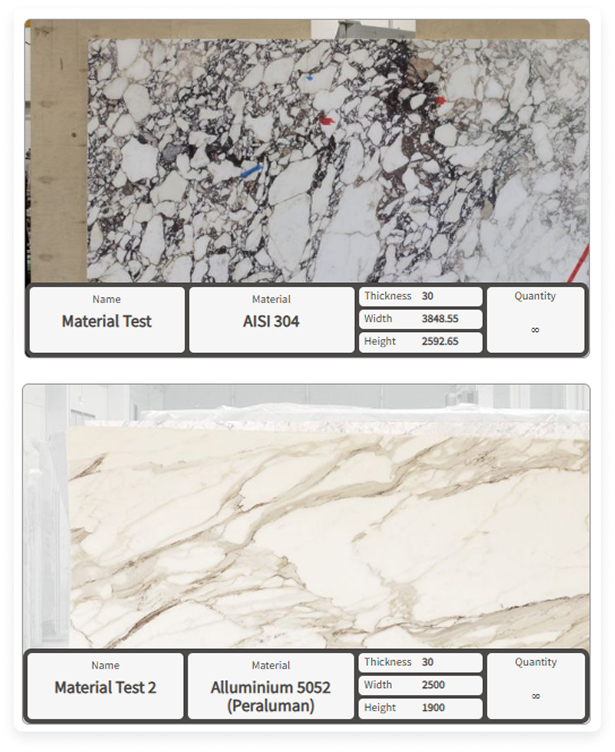
Enrich your inventory of slabs in natural stone, synthetic, or ceramic material. You can also enter the technical data associated with each slab.

Countertop 3D View

Visualize your countertop in 3D within a graphic design environment to get an idea of how the final product will look.

Technical Prints

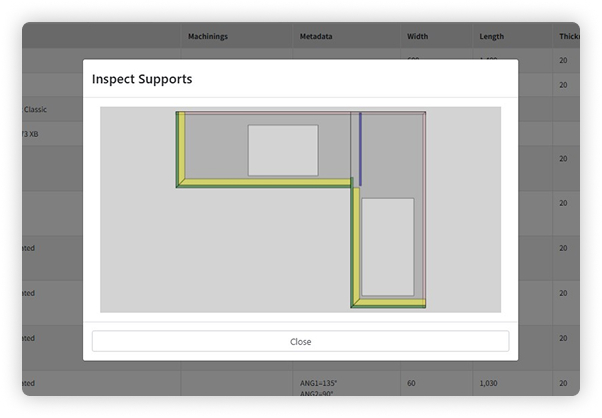
You can create one or more exploded views to break the countertop down into its various components. This way, you can generate prints for production.

Compatible with EasySTONE® and EasyWOOD for generating CN codes on any machine
A New Approach to Kitchen Countertop Design

With PowerTOP, you can move from stone countertop design to fabrication easily and intuitively.

  • 1

    Create your parametric model

  • 2
    Optimize material use with Nesting
  • 3

    Manage your order in a single workflow

  • 4

    Send your project to production

The New PowerTOP Interface

The Software for Kitchen and Bathroom Countertops

Kitchen and Bathroom Countertop Design

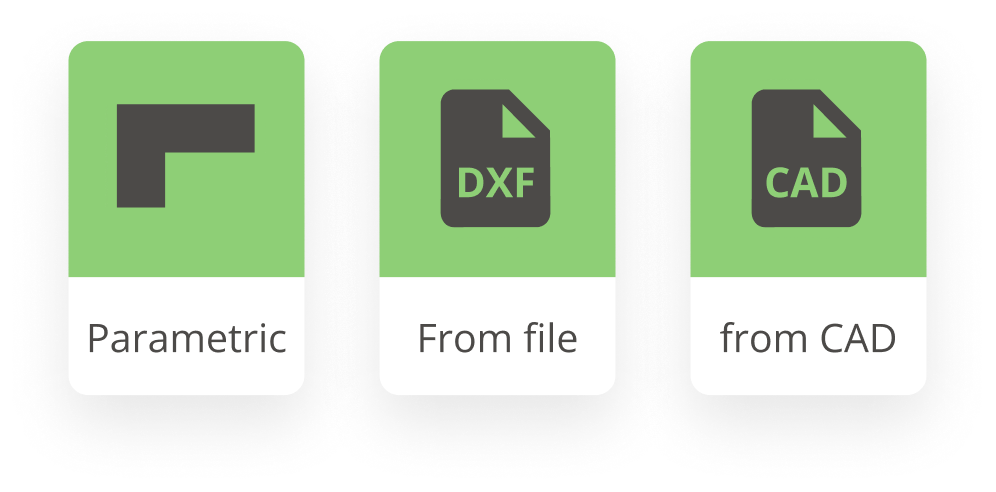
Design your stone kitchen or bathroom countertop by creating a parametric model or by importing a drawing in one of the compatible formats.
Customizable Database

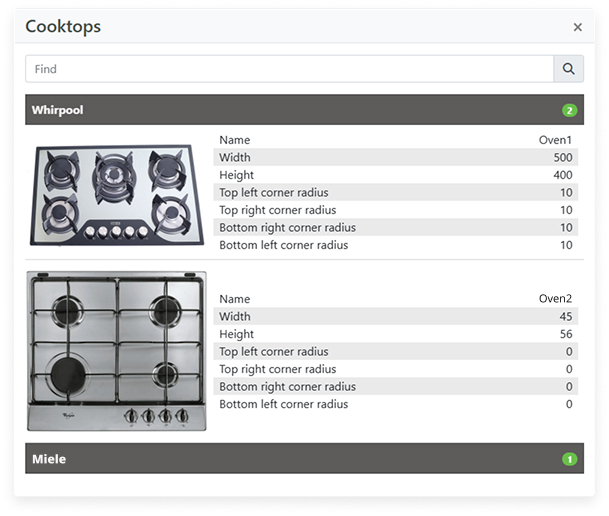
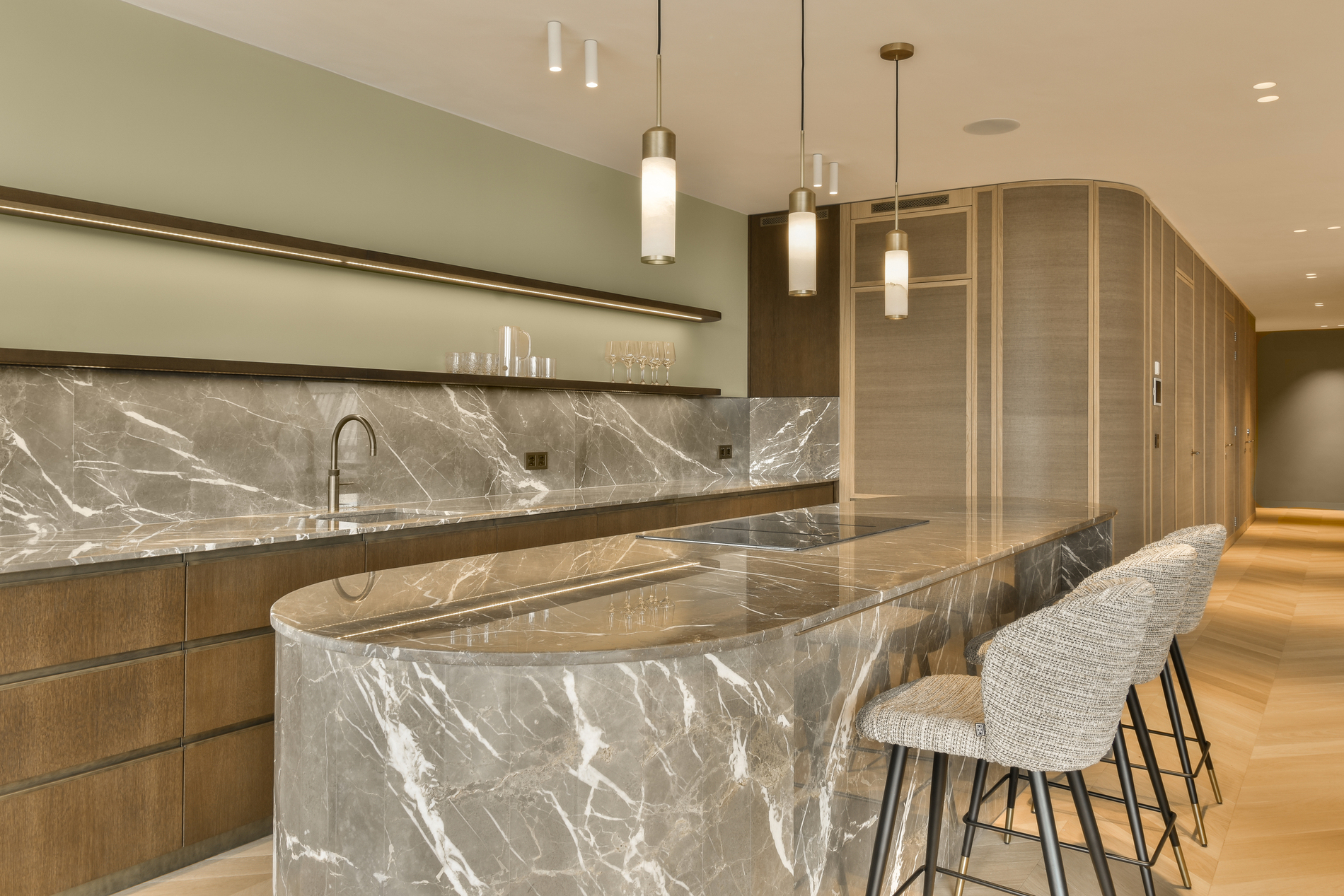
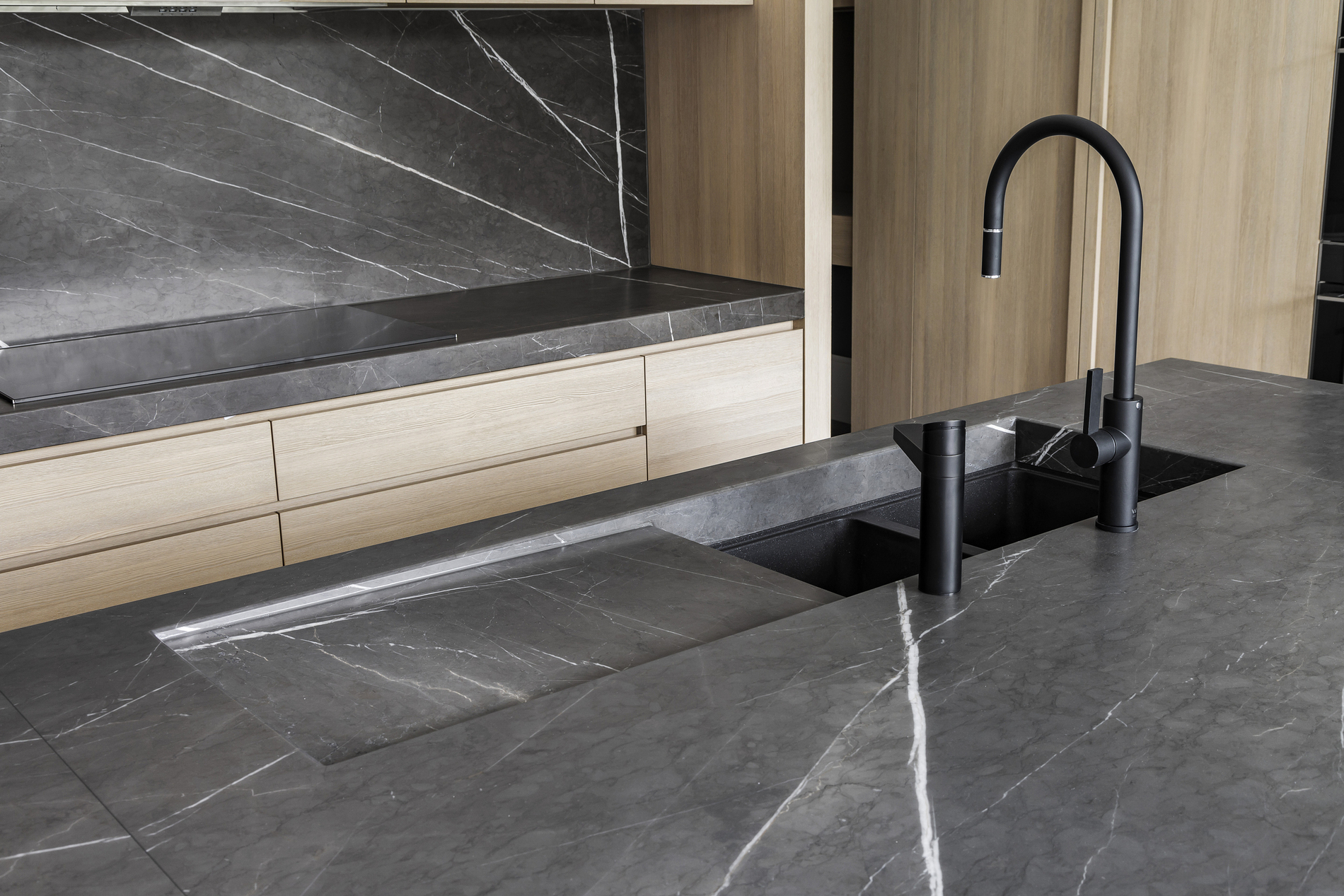
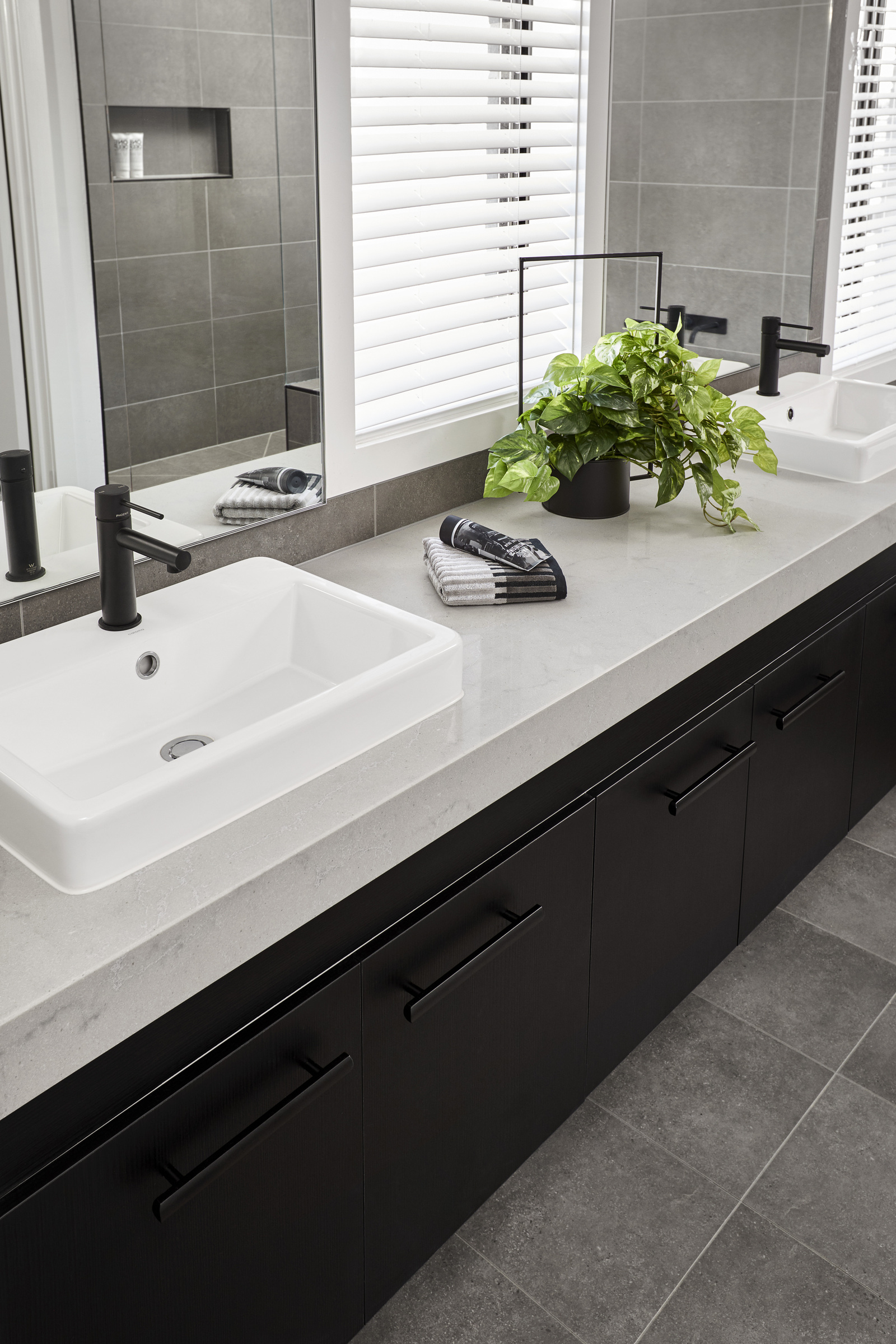
With PowerTOP, you can customize your stone countertop. Add to your project: configurable backsplashes; single and double edge profiles; standard, undermount, or 3D sinks; cooktops; cutouts for electrical outlets; reinforcement and support kits.

Materials

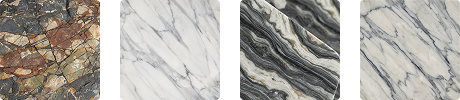
You can assign a natural or engineered stone slab to each element of the stone countertop. The Slab Manager — the online slab database synced with your company — lets you update your inventory easily.
Stone Nesting and Vein-Matching

Nesting lets you position the pieces directly on the slab. The result is a clean, orderly layout that emphasizes the natural beauty of the veining, with real material savings.

Achieve a harmonious, refined look for your stone countertop. Continuous veining and the uniform surface of natural materials enhance the space, giving the worktop visual consistency.

Order Management

Attach all the information needed for the order to the technical drawing of your stone kitchen or bathroom countertop. You can also link a pricing rule to each element cost by associating your price list.

BOM and Quote

Our software provides the Bill of Materials (BOM) — the complete list of materials and components needed to fabricate your stone countertop. Using the information extracted from the project, you can use PowerTOP to calculate the countertop's production cost and generate a quote for your customer.

Printouts

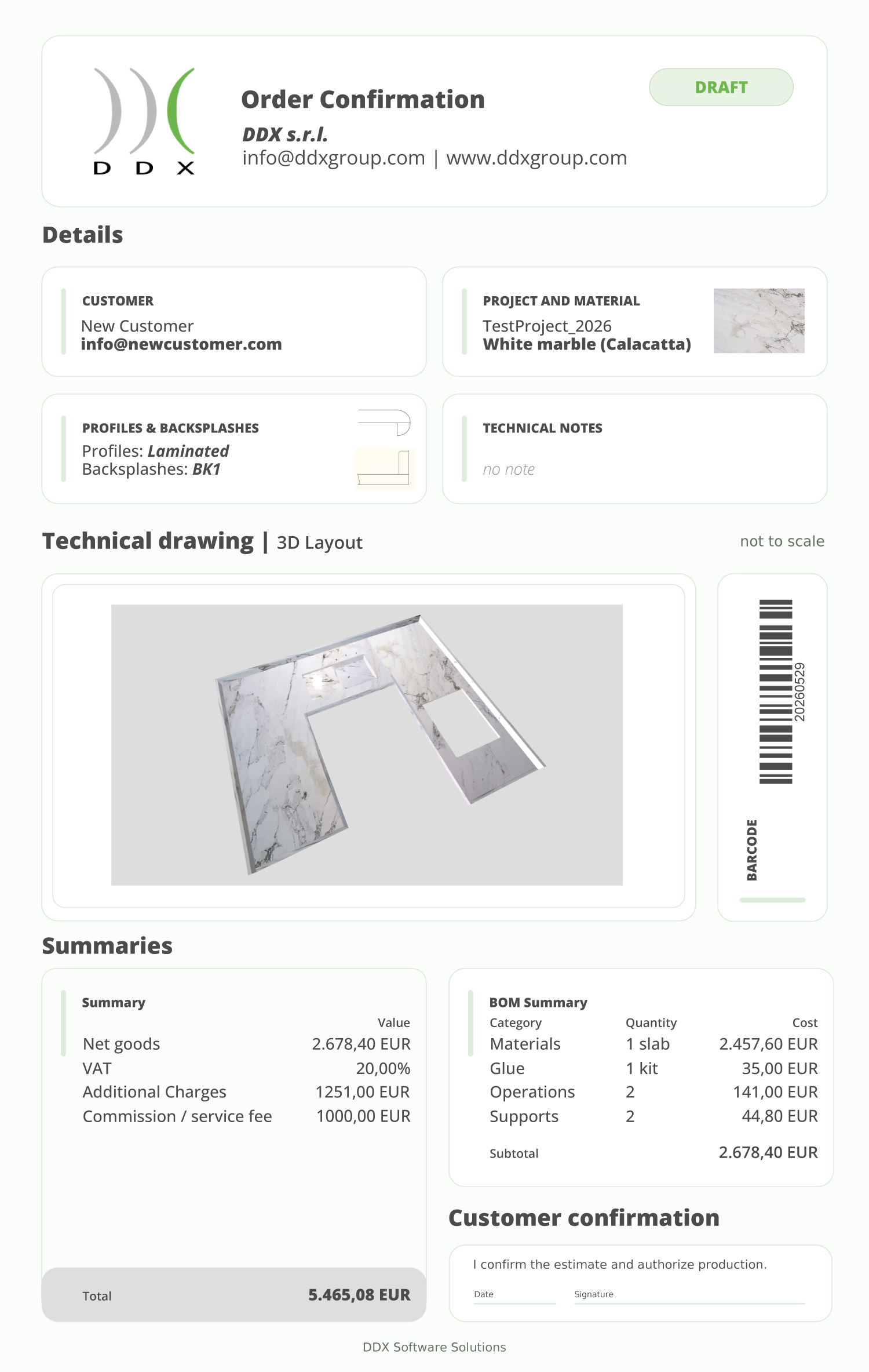
Manage several types of printouts with PowerTOP, such as quotes, order confirmations, technical production drawings, slab previews, and the exploded view of stone countertops with all their component pieces.
Kitchen and Bathroom Countertop Fabrication

PowerTOP integrates with our EasySTONE® and EasyWOOD CAD/CAM software to generate the CNC code needed to machine the stone countertop on any type of machine.

The New PowerTOP Course Is Here

We've created a complete course dedicated to PowerTOP. From the basic features to managing more complex projects, you'll learn everything you need to know about our software for designing and fabricating bathroom and kitchen stone countertops.

LESSON 1

Order Creation

LESSON 2

DXF and OBJ Import

LESSON 3

Create a model

Made With PowerTOP

Software Pills

Our "Software Pills | Stoneworking" playlist is available on YouTube. Short, clear videos that guide you through CAD/CAM tools, tips, and solutions for stoneworking (from design to production).

Related Stone CAD/CAM Software

Loading...
Loading...
Loading...
Loading...
Loading...
Loading...


Peripherals Minumum Requirements Recommended Requirements
Browser Latest version of Chrome™, Edge®, or Firefox® available Latest version of Chrome™, Edge®, or Firefox® available
Internet Connection Required for Cloud-based license management Required for Cloud-based license management


Peripherals Minumum Requirements Recommended Requirements
Browser Latest version of Chrome™, Edge®, or Firefox® available Latest version of Chrome™, Edge®, or Firefox® available
Internet Connection Required for Cloud-based license management Required for Cloud-based license management

3 Reasons to Choose DDX Software Solutions

We develop CAD/CAM software designed to handle various types of materials.

We offer solutions to the leading players in both the national and international markets.

We design modular software that is compatible with major CNC machining centers.

Do you need more information?

Would you like to receive further details about our software solutions?

Do you need more information?

E-mail

Support request

Technical support ticket

Contact Form

Go to Top