XFactory2026-07-03T10:52:09+02:00

The Production Management Software

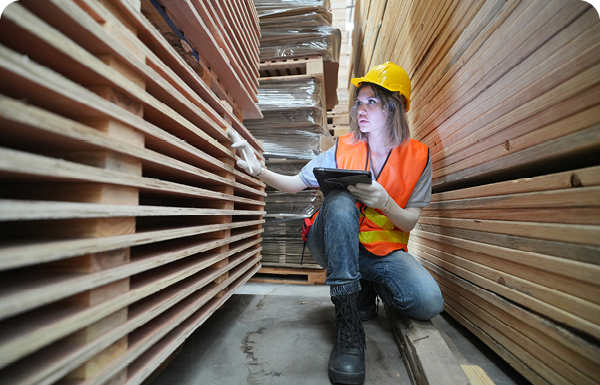
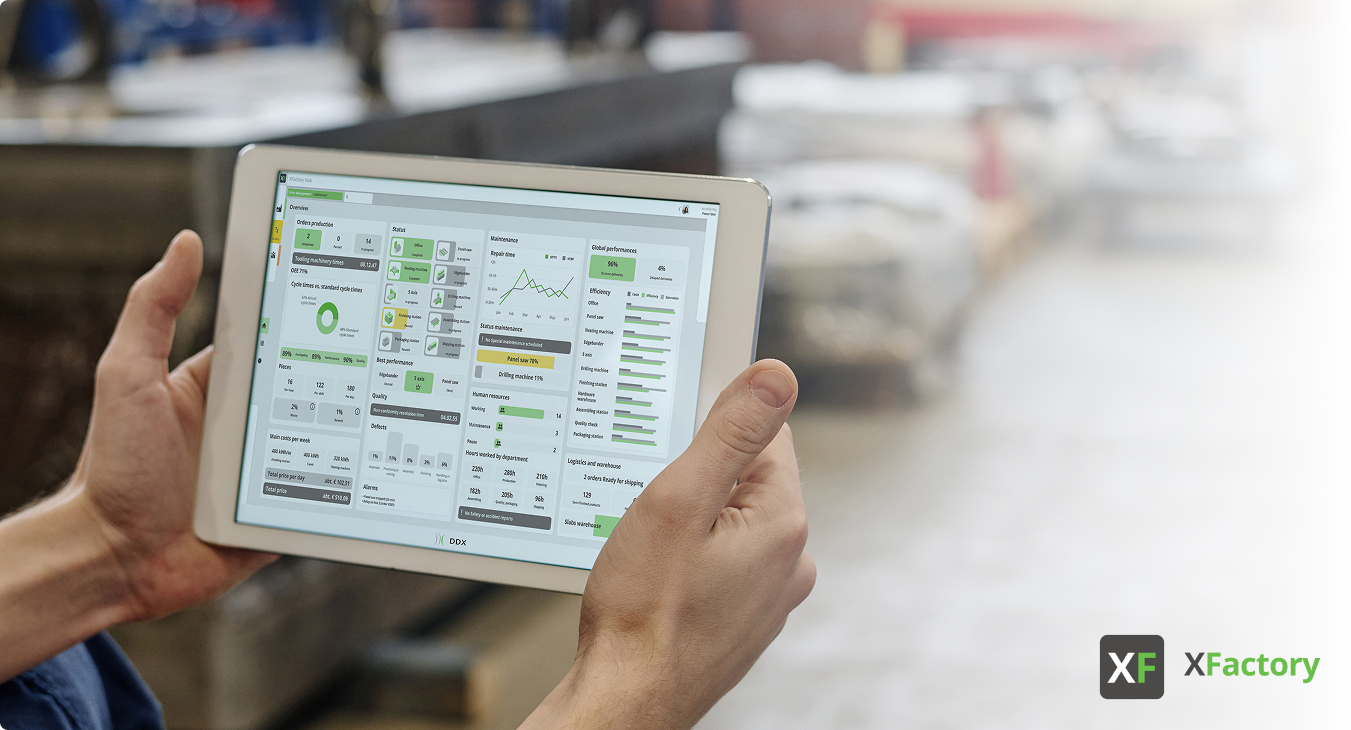
xfactory-operator-with-tablet

XFactory is the DDX software built for production management. Our solution is modular and adapts to the needs of small and medium-sized businesses, as well as more complex manufacturing sites.

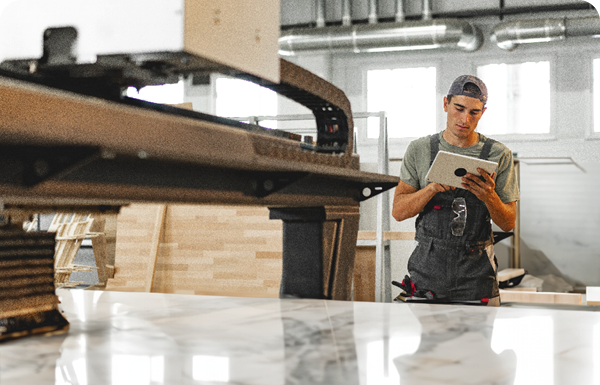
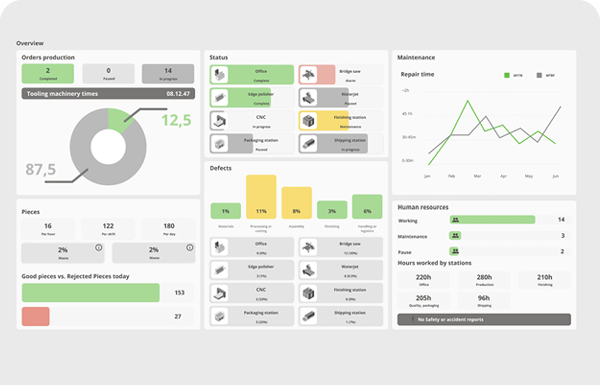
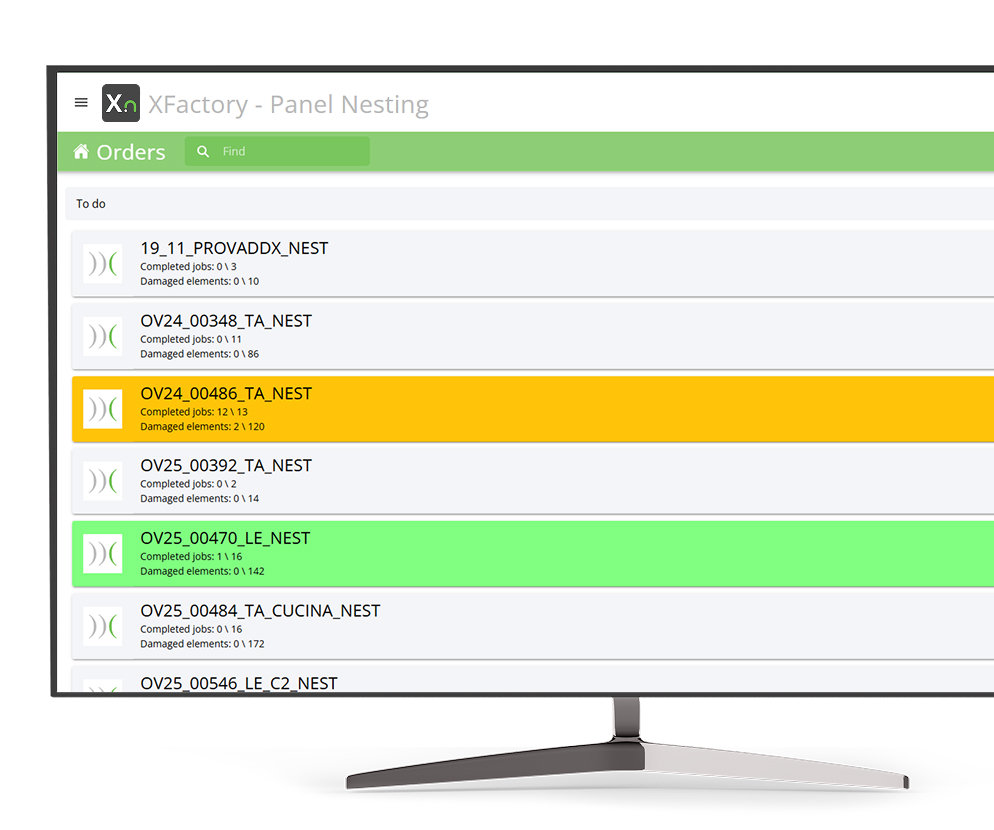
Access XFactory from your browser to monitor the progress of orders, jobs, and work orders, along with processing times for each station, in a simple and intuitive way.

XFactory Adapts to Your Production
Wood

Stone

Glass
Composite Materials

How to Integrate XFactory for Production Management

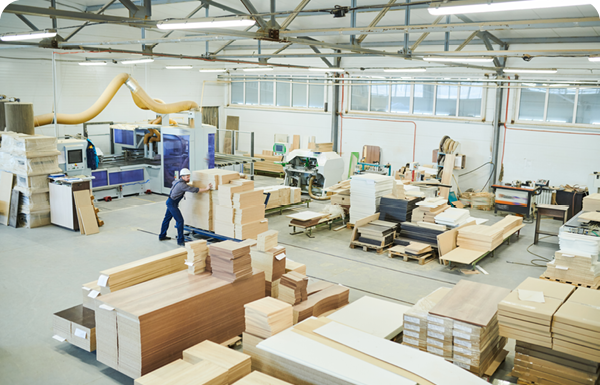
Whether you manufacture kitchen countertops or work on cabinet projects, XFactory is the right choice for your plant. Thanks to our software, you can monitor every stage of the process in real time.

The Challenge of Modern Manufacturing

In a world where every second counts, efficient production management is no longer an option — it’s a necessity. With XFactory, you can:
Track every order in real time

Reduce errors, station by station

Analyze data and statistics in a click

Introducing XFactory

Our production management software shows your plant in a whole new light. It also gives you a summary of the key information for each station, so you can closely follow your part’s journey.

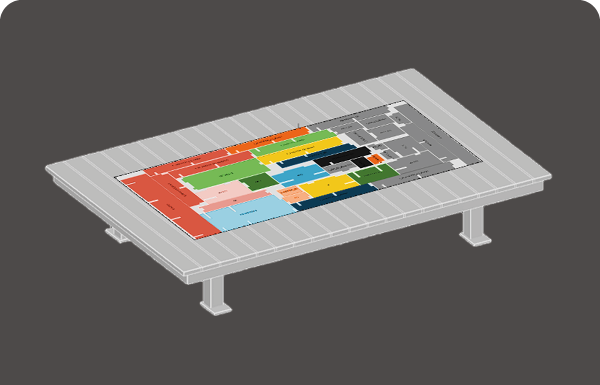
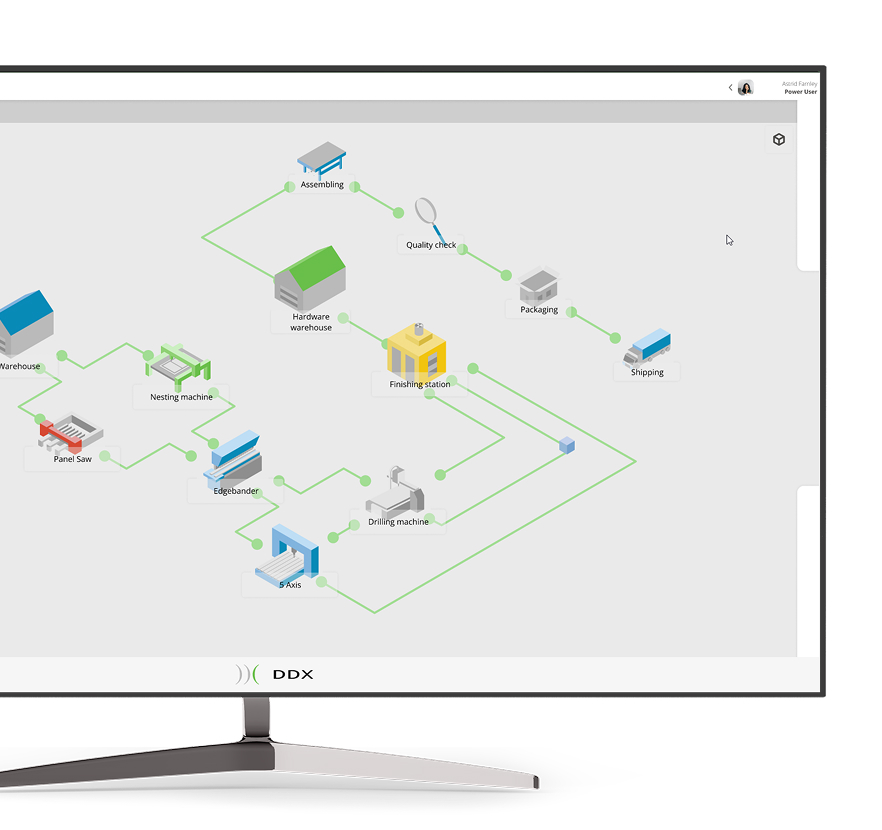
Get a custom 3D view of your manufacturing plant based on its configuration.

Want to check the progress of orders, work orders, and their related jobs in a single view? With XFactory, you can see where your part is along its processing path and always keep everything under control.

Forget inefficiency and delays: rely on software with an intuitive, easy-to-navigate interface!
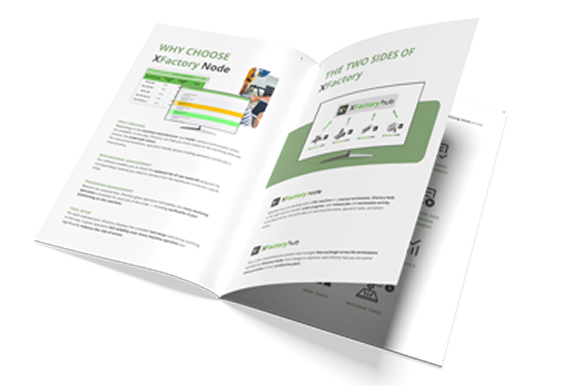
XFactory: One Software, Two Souls

The collaboration between Node and Hub guarantees total control over your plant, anywhere and at any time.


XFactory Node

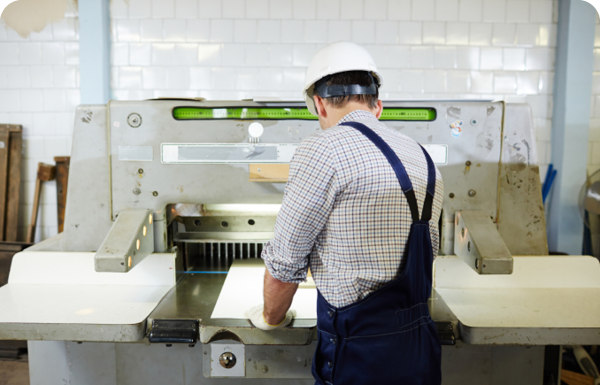
XFactory Node monitors the operation of CNC machines or manual stations.

  • Track the progress of work orders

  • Collect data on labor/machine times

  • Monitor operator activity

  • Stay updated on station status

XFactory Hub

XFactory Hub manages every process in your manufacturing plant, from design to shipping.

  • 3D view with a stylized plant layout

  • Complete report with statistics

  • Monitoring of assigned jobs

  • Multi-station management

XFactory Functionalities

The features that make XFactory the production management software solution for your plant.

Piece Tracking

Different communication drivers are available depending on the machine manufacturer and model. This way, XFactory lets you track a part in the machine and monitor the progress of work order jobs.

Raw Material Management

You can view an always up-to-date list of the raw pieces and related materials you need to pull from the warehouse to complete a specific work order.

Machining Management

In addition to the full list of raw pieces, XFactory also provides the list of machining operations that will be performed on each job in the work order.

You can also verify the part’s positioning in the machine.

3D Layout Visualization

When integrated with DDX EasySTONE® and EasyWOOD software, 3D layout visualization is available. The result is a three-dimensional representation of each job involved in the production process.

Production Time Management

You can monitor the execution time of the machined part at the station.

Based on the available information, the following data will be saved:

  • the operator;
  • the start and end date and time;
  • the total execution duration;
  • the machine’s energy consumption.

Order Management

XFactory is fully integrated with our software. You can create and transmit production work orders directly from our applications. Alternatively, you can manage work orders and their associated jobs manually by attaching files—whether ISO code or other types—generated by third-party software.

Activity Management

Once authenticated via a reader (barcode, QR code, RFID, etc.) or by entering login credentials, the operator confirms the type of activity at the station they are overseeing. The tasks sent to the machine are then carried out, and the station’s runtime status is monitored, tracking the time spent by each operator.

Label Printing

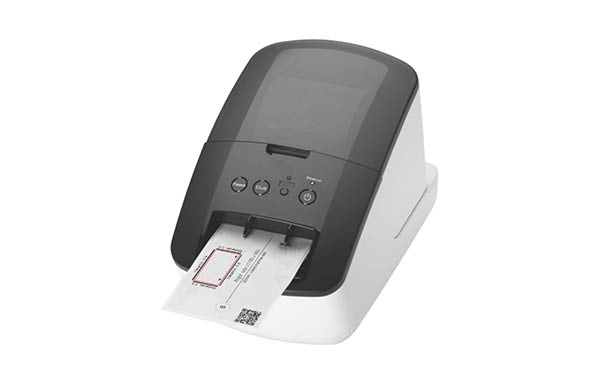
Thanks to this feature of our production management software, you can print labels with customized information directly on any printer compatible with Windows® systems.

You can print labels manually or without machine communication, thanks to XLabel.

Statistics

Thanks to integration with Microsoft Power BI®, XFactory lets you view production statistics for the connected station with data collected in real time. With XFactory Node, you can report on each station (both manual and CNC), all the way up to the entire production line with XFactory Hub.


XFactory Node
Peripherals Minumum Requirements Recommended Requirements
Browser Latest version of Chrome™, Edge®, or Firefox® available Latest version of Chrome™, Edge®, or Firefox® available
PC Required for the installation of the application on the server side and for the activation of the license (software or physical) Required for the installation of the application on the server side and for the activation of the license (software or physical)
LAN Required for connecting to the CNC machine to retrieve data Required for connecting to the CNC machine to retrieve data
Internet Connection

Required for communication with XFactory Hub and for viewing statistics via Microsoft Power BI®

Required if you are using the Cloud license

Required for communication with XFactory Hub and for viewing statistics via Microsoft Power BI®

Required if you are using the Cloud license

XFactory Hub
Peripherals Minumum Requirements Recommended Requirements
Browser Latest version of Chrome™, Edge®, or Firefox® available Latest version of Chrome™, Edge®, or Firefox® available
Internet Connection Required for accessing the portal and communicating with individual instances of XFactory Node Required for accessing the portal and communicating with individual instances of XFactory Node
Peripherals Minumum Requirements Recommended Requirements
Mouse Required Required
Monitor 17″ with 1280x1024resolution 17″ with 1920×1080 Full HD resolution
Processor INTEL® Core™ I3 (or equivalent) 32 bit or 64 bit INTEL® Core™ I7
Operating System Microsoft® Windows® 10 (limited support for Windows 7 SP1 and Windows 8) Microsoft® Windows® 11 (64 bit)
RAM 2 GB 8 GB or superior
Graphics Card OpenGl® compatible ( Intel®, NVIDIA® GeForce®, AMD Radeon™) NVIDIA® GeForce® serie GTX or AMD Radeon™ serie RX
Hard disk space 40 GB available – 7200 RPM 40 GB available on SSD
Internet Connection Required for Cloud-based license management Required for Cloud-based license management

Tell us how your production facility is set up.

Why choose DDX?

We develop CAD/CAM software designed to handle various types of materials.

We offer solutions to the leading players in both the national and international markets.

We design modular software that is compatible with major CNC machining centers.

Do you need more information?

Would you like to receive further details about our software solutions?

Do you need more information?

E-mail

Support request

Technical support ticket
Contact Form

Go to Top