

The CAD/CAM Software for Window Design

Software for the Design and Production of Wooden Windows
Single Work Environment
Parametric Design
Element Libraries
Integrated Graphic Simulation
Hardware Management
ERP Integration
PowerWIN: Your Solution for Window and Door Production
Combine the ease of use of a custom configurator with the versatility of a parametric CAD: that's PowerWIN! With our CAD/CAM solution for window and door design and production, you can verify the feasibility of your project before sending it to the machine.
PowerWIN Customer Reviews
I am happy to work with DDX thanks to the exchanges I have with
their team.
Sylvain Carvajal, Pons Menuiseries
DDX software has allowed us to respond to markets
we would not have been able to reach before.
Luc Pons, Pons Menuiseries
We are very pleased to work with DDX as it is
an intuitive software that allows us to design windows and doors
with great ease and speed.
Patrice Bressan, Menuiserie Bressan
We are satisfied with working with DDX
for commercial reasons and for their
responsiveness every time we encountered an issue.
Stéphane Blin, AMBC
Thanks to PowerWIN, we send data to the machine with a single click. The
software manages all production projects, transmitting the
information needed to process each piece across the various CNC machines.
Roberto Quartini, QR Legno
The cooperation with DDX has been very positive because we managed to
achieve
what we set out to do. The great thing about PowerWIN is that products
are ready to go to the machine in one hour, whereas before
it used to take 3 days.
Lorenzo Giraldi, Giraldi Serramenti

DDX Case Study: QR Legno
QR Legno was founded in 1997. Over time, the business has transitioned from artisanal production to more advanced technologies for creating high-quality, design-oriented windows. Discover the QR Legno projects created with PowerWIN.
DDX Case Study: Giraldi Serramenti
Giraldi Serramenti was founded in 1953 as a family-run business. Producing high-quality windows is a tradition passed down through generations, always striving to listen to the needs of customers. Learn how the business has evolved over time and how PowerWIN has helped Giraldi Serramenti stay up to date with new technologies.

DDX Case Study: Pons
Founded in 1966, Menuiseries Pons is a family-run business. Each wooden product is of excellent workmanship and is characterized by an excellent quality-price ratio. In this video, Luc (Co-CEO), Franck Pons (Co-CEO) and Sylvain Carvajal (Production Manager) tell us about the history of the business and their experience with PowerWIN and EasyWOOD software.
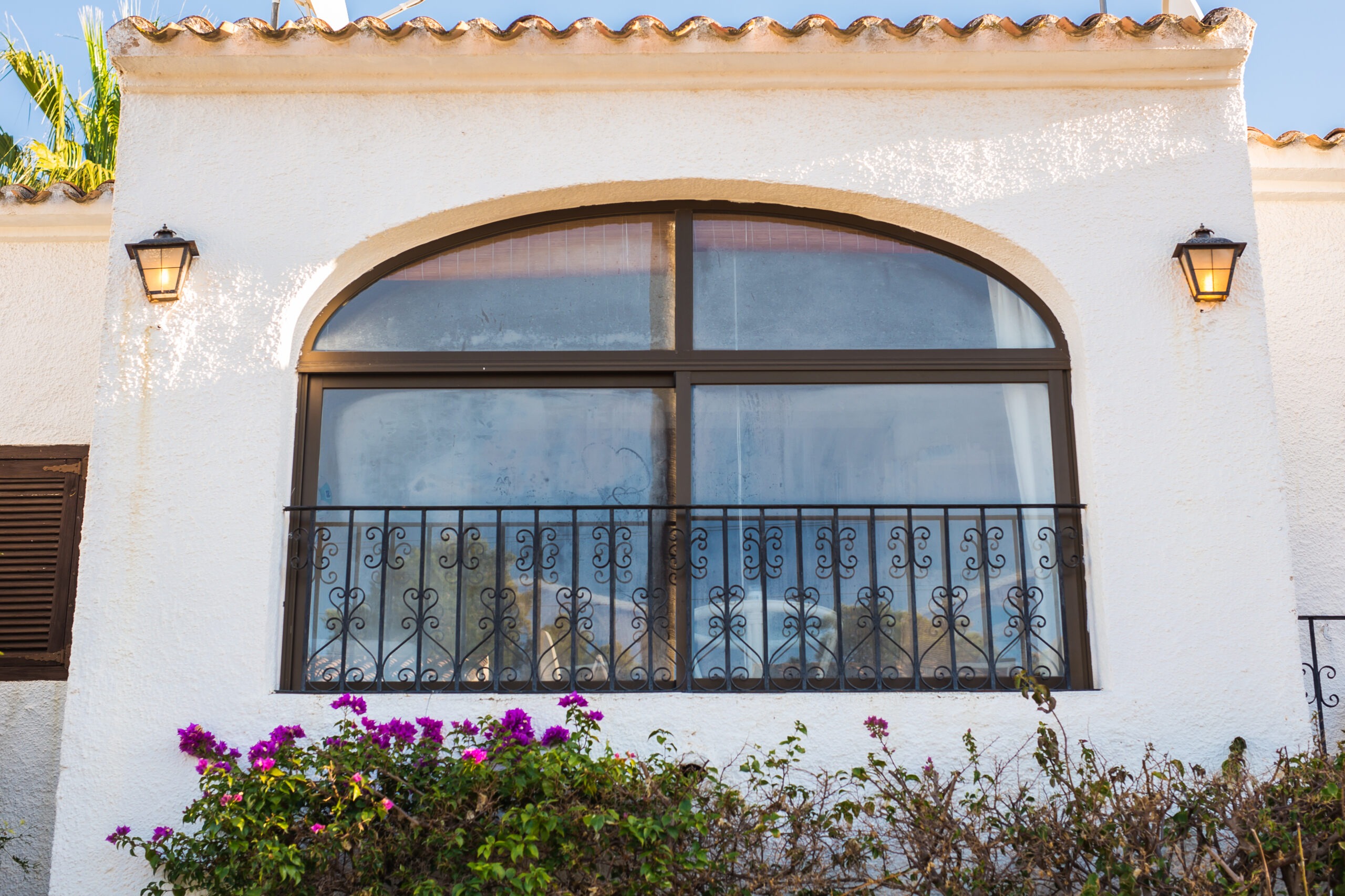
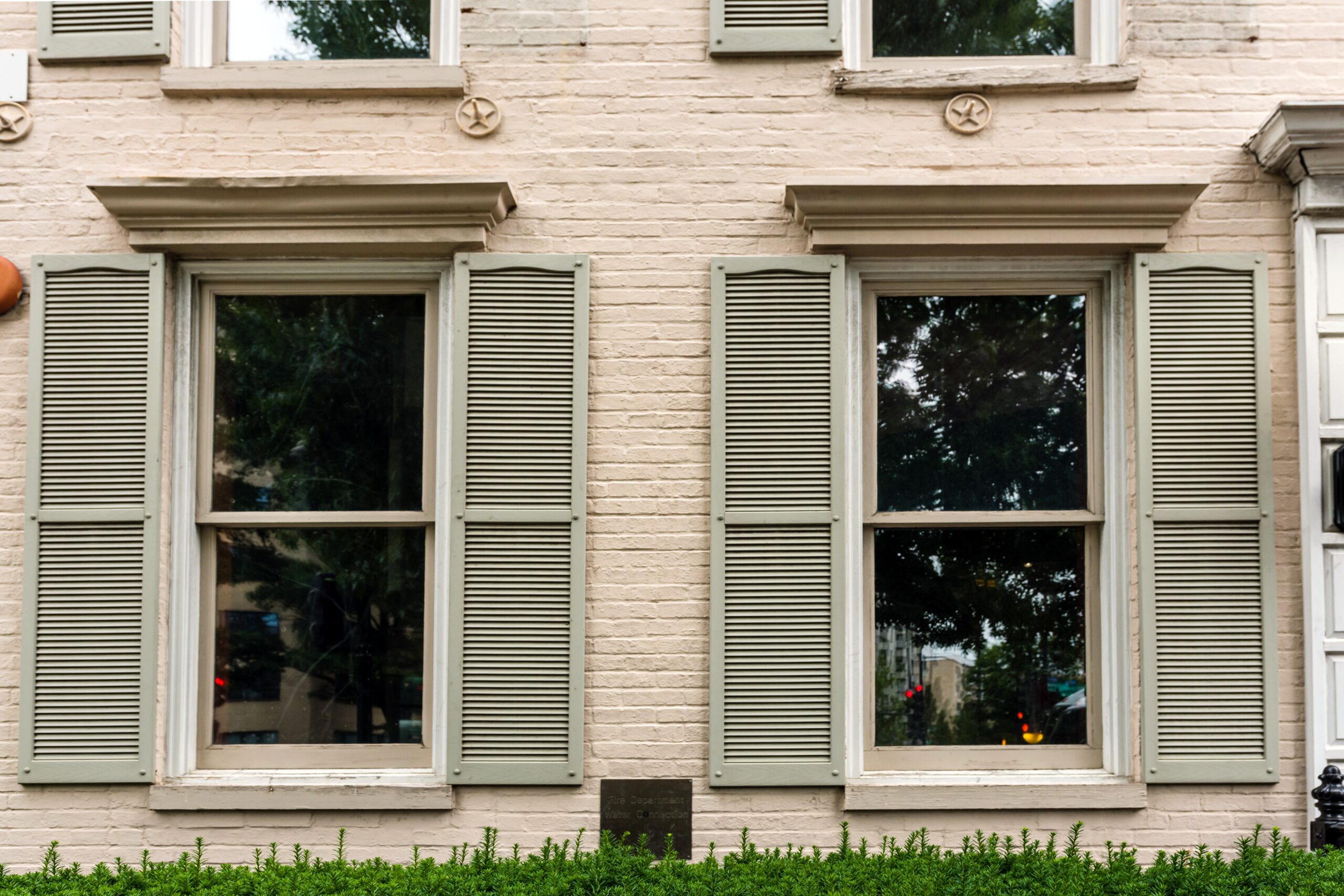
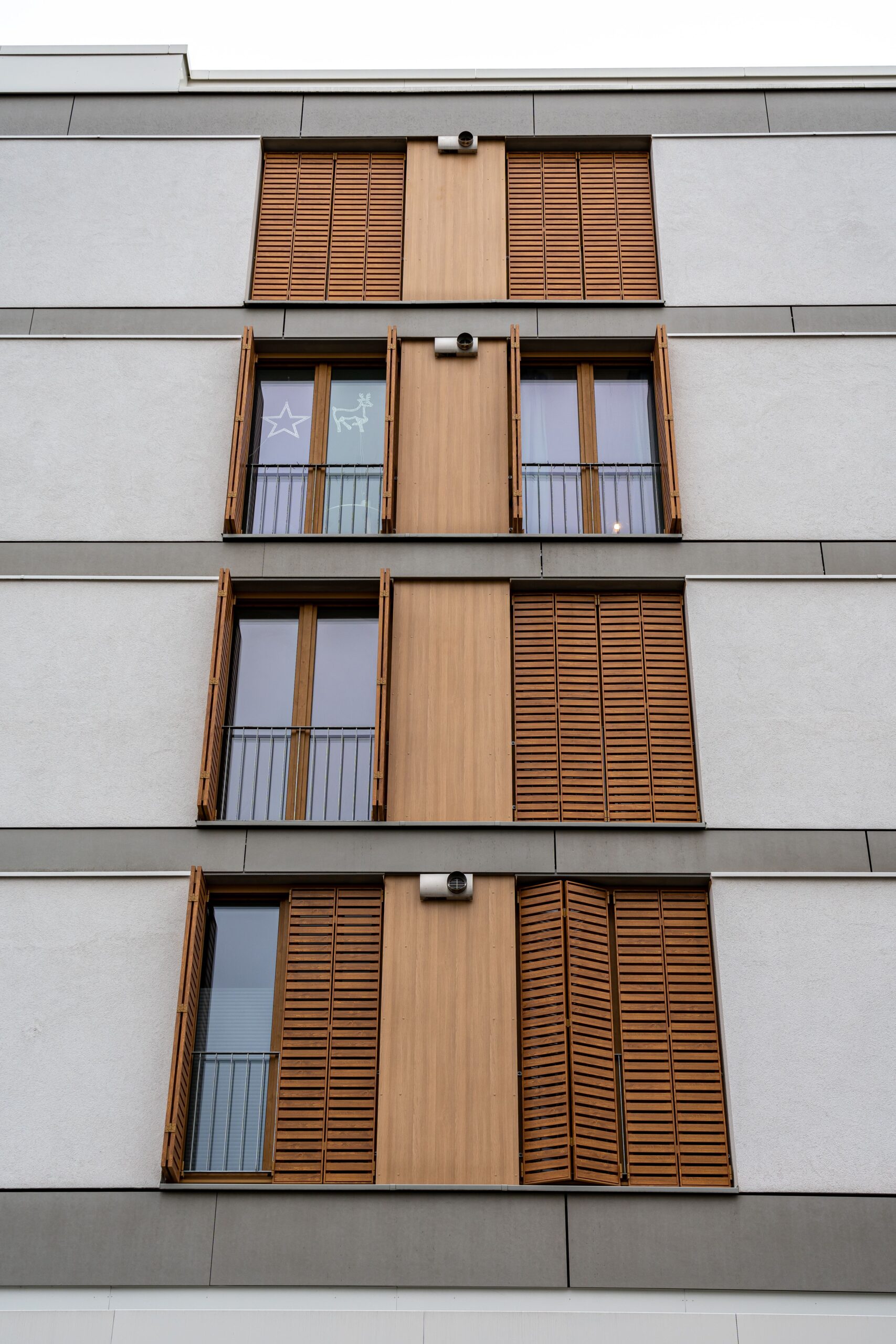
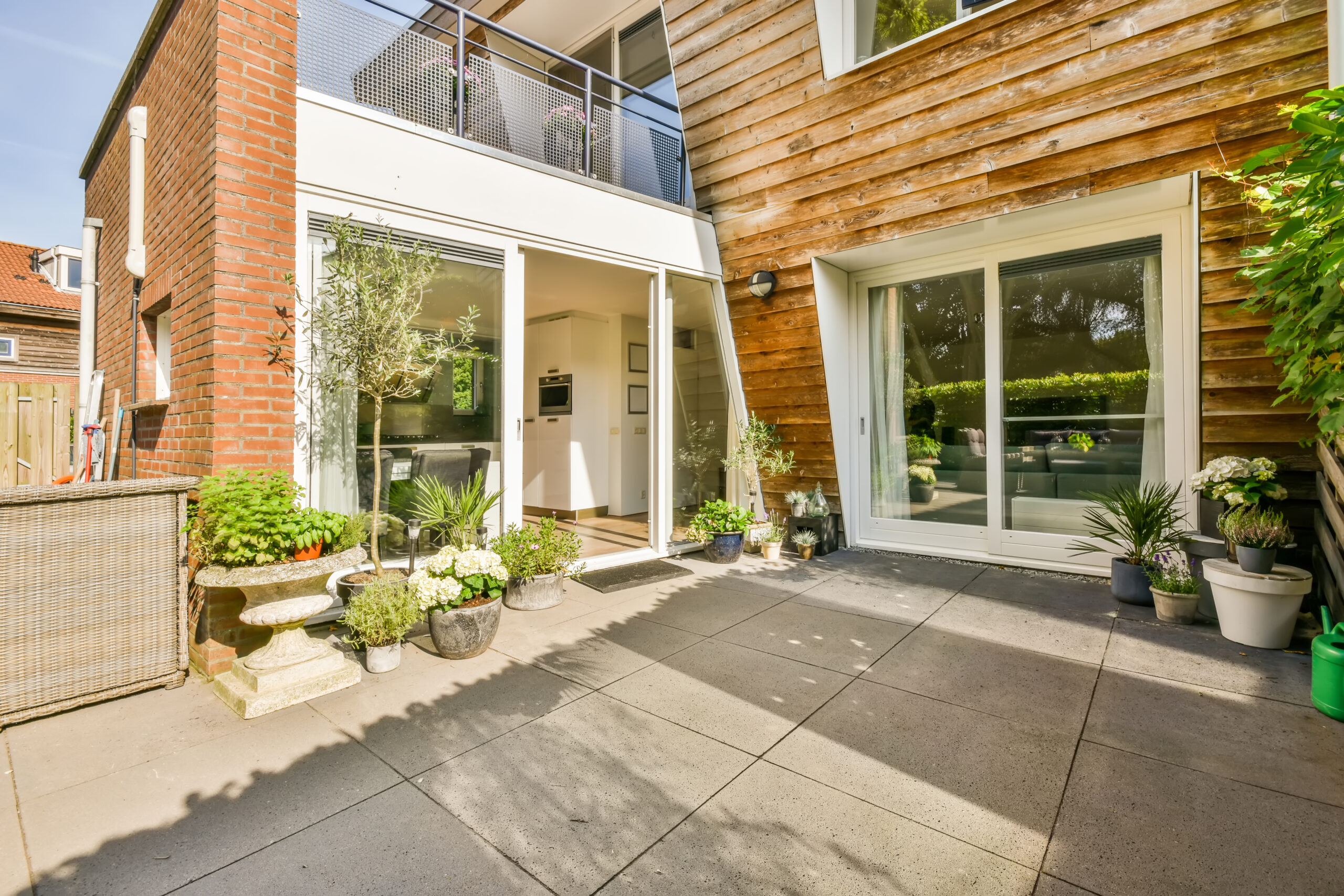
Made With PowerWIN
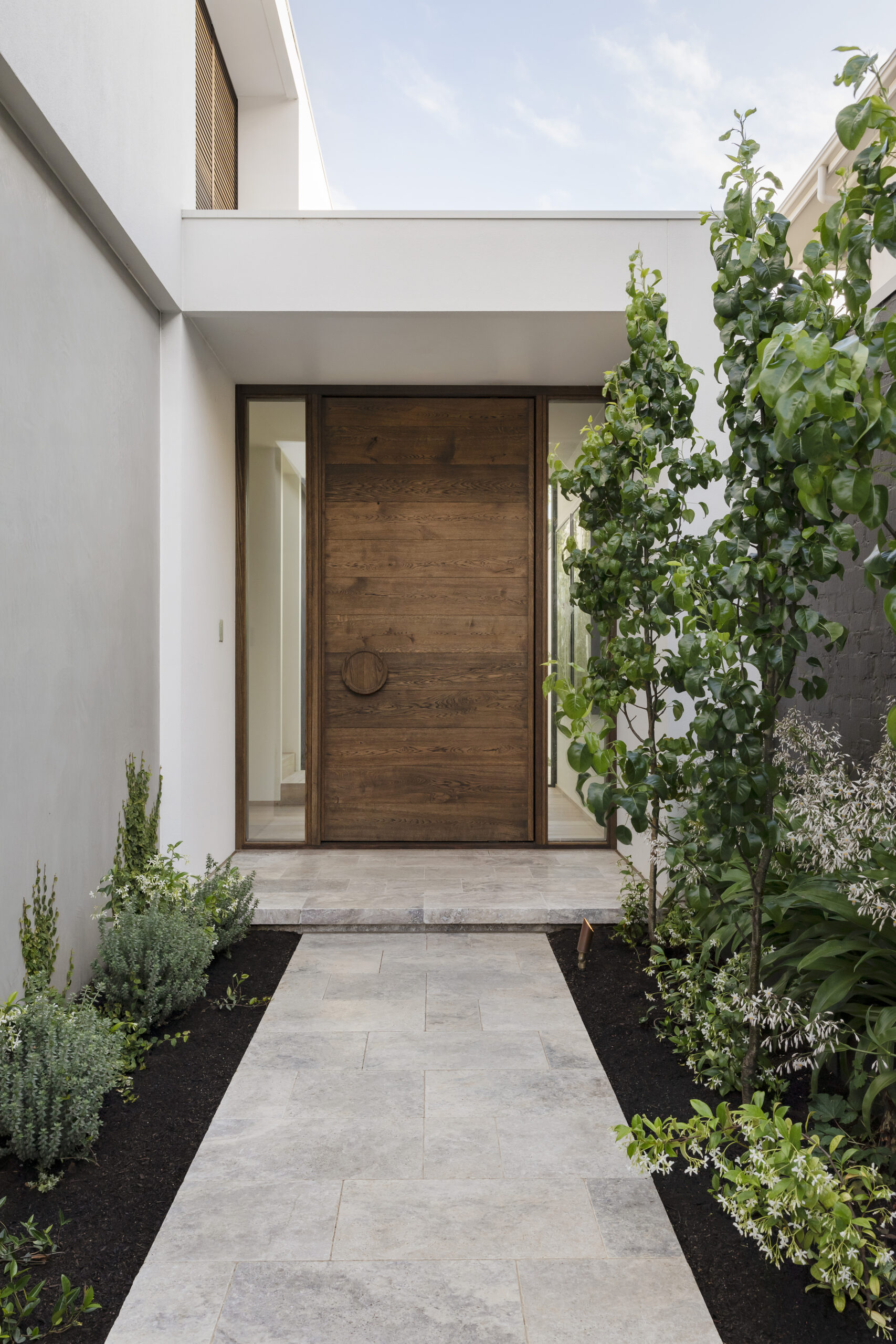
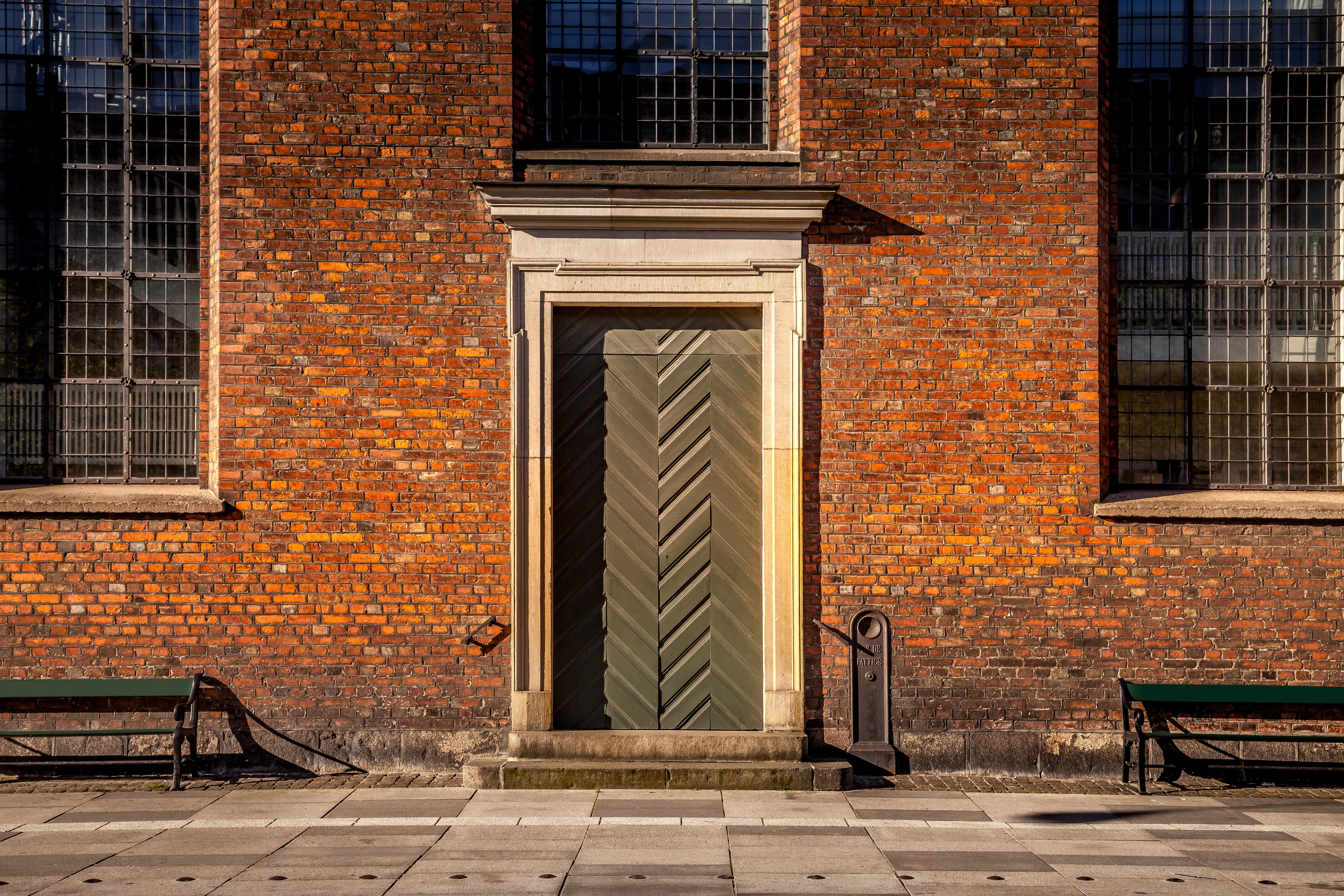
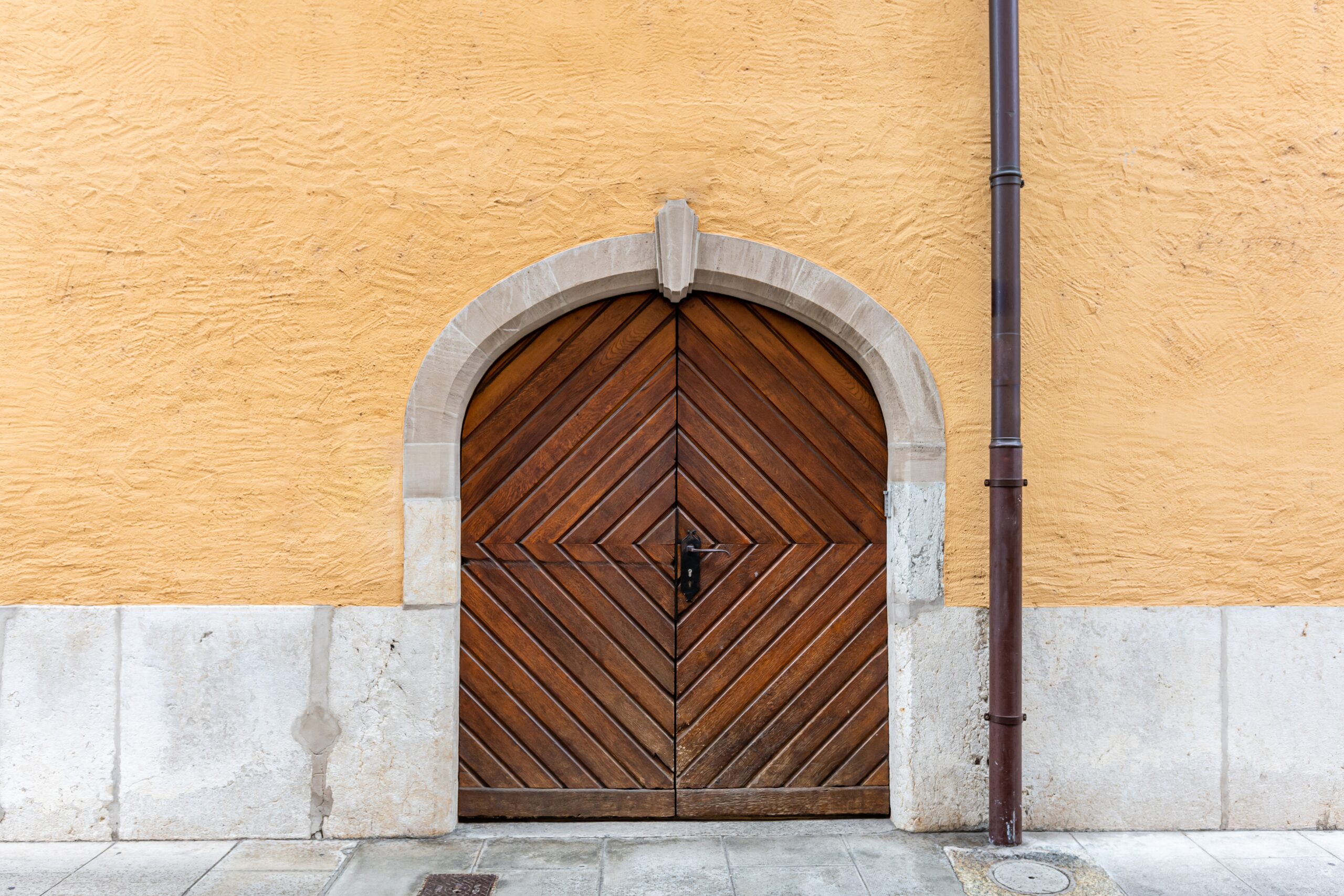
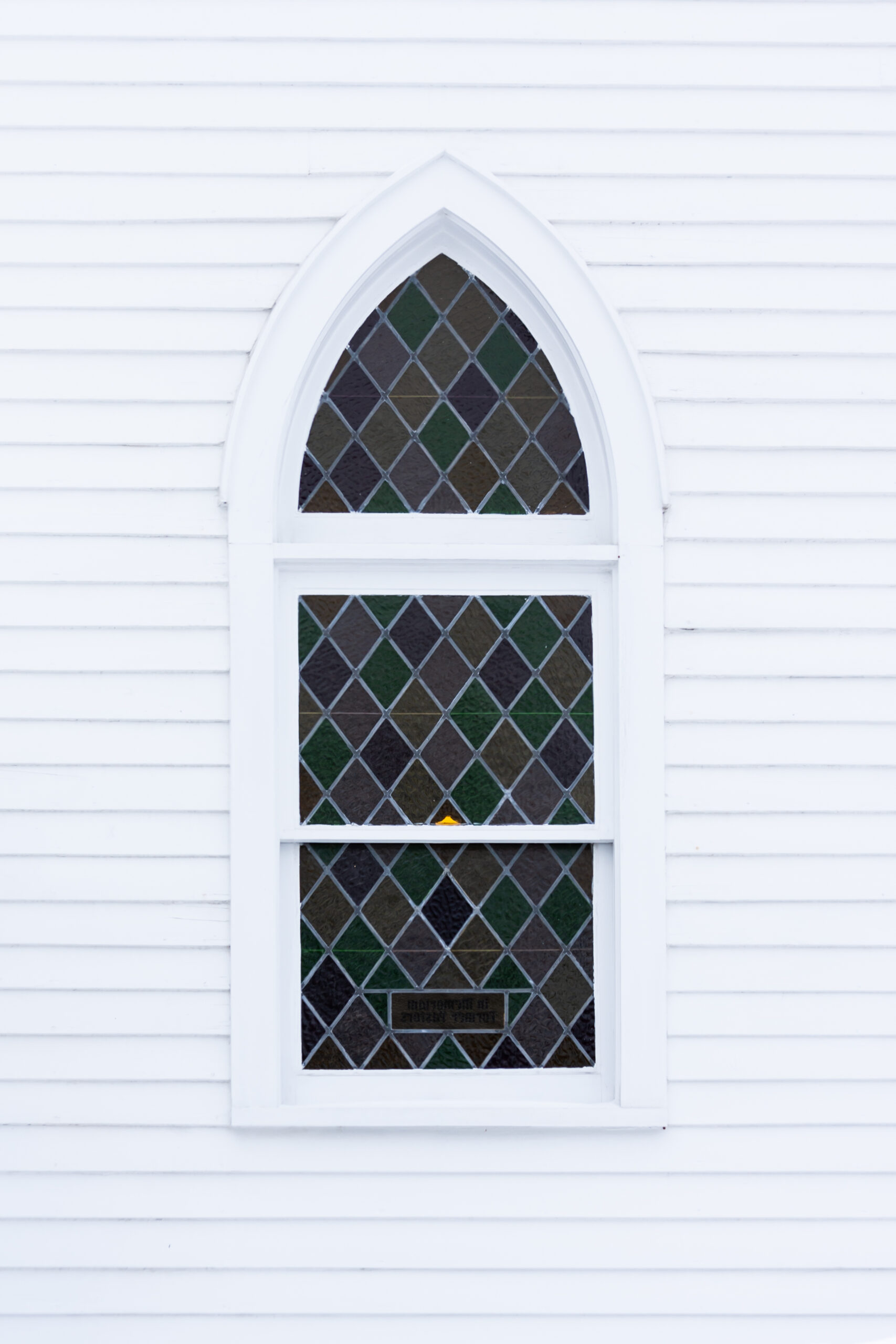


DDX Learning Area


Create, Produce, and Manage Your Projects with PowerWIN
Parametric Design
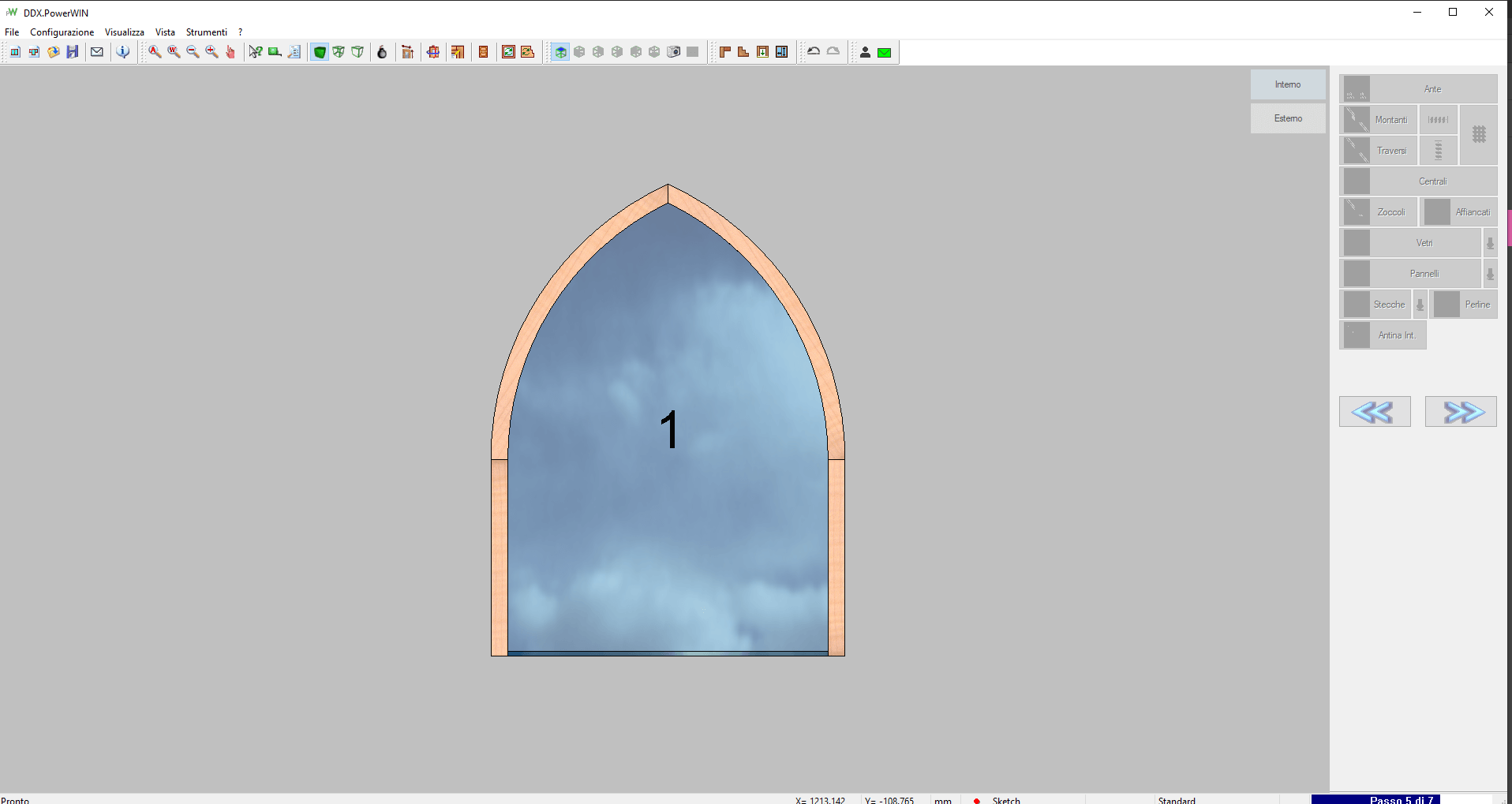
Create your projects starting from a new model with custom parameters or by importing a drawing in compatible formats. With PowerWIN, you can make catalog windows or special windows in just a few clicks.
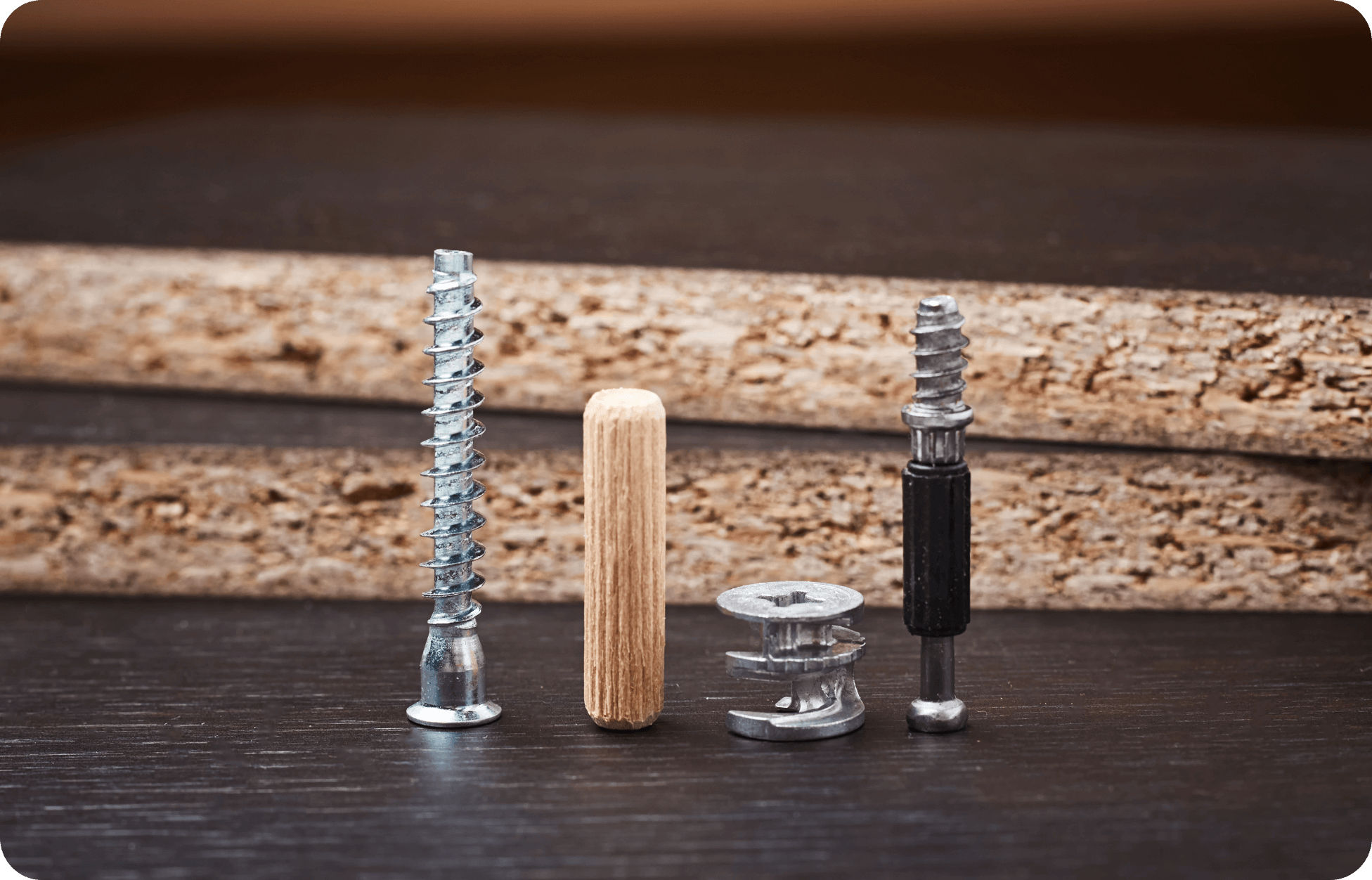
Hardware Management
PowerWIN integrates with leading hardware suppliers. Through a dedicated library, you can define the behavior of the applied hardware using standard macros or custom machining operations.

Phases Management
With this new feature, our window and door software can estimate the times and costs of the phases in your production cycle.
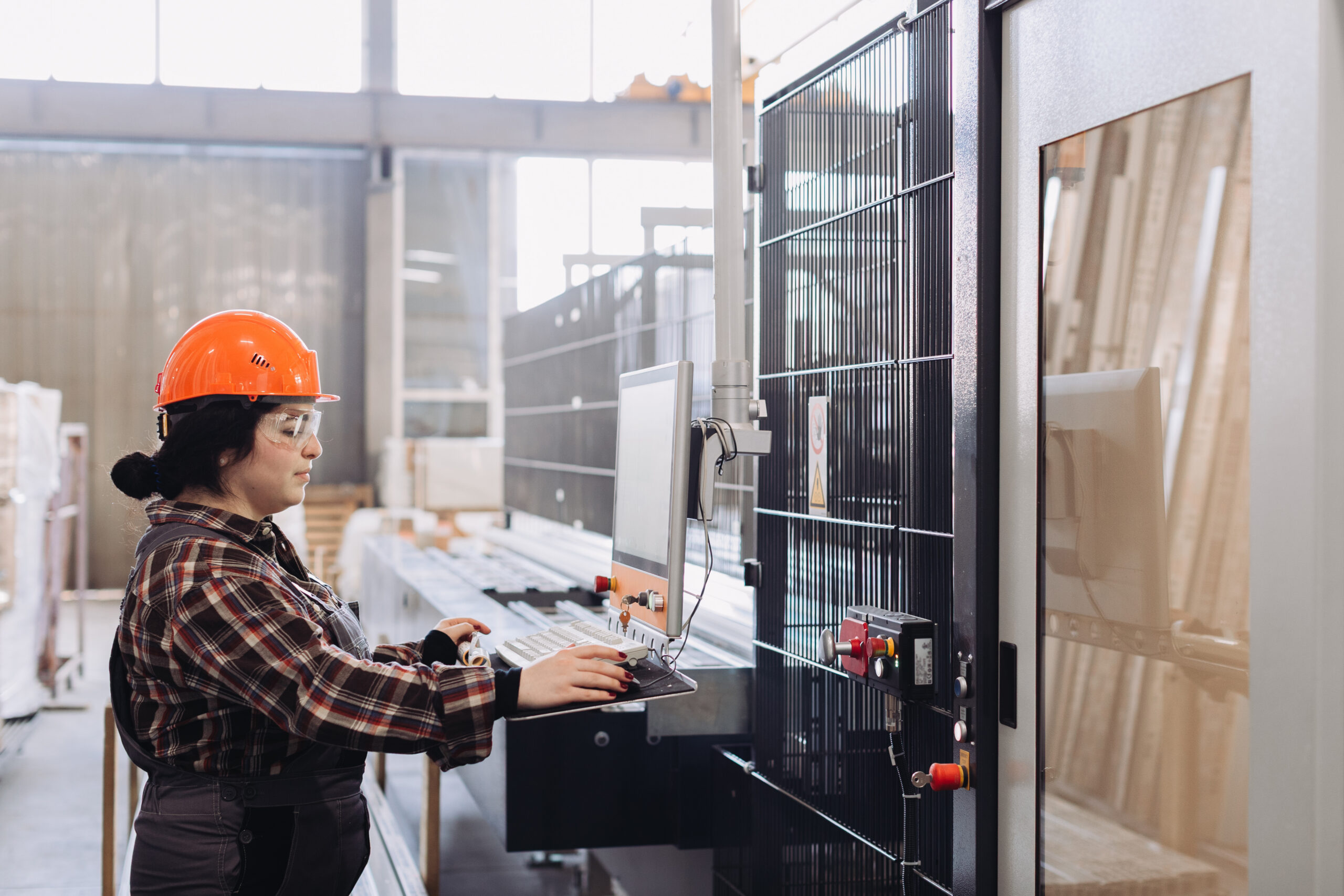
Simulator with 3D Collision Control
Preview machining operations through a 3D model of the machining center to detect any collisions between all the simulated mechanical parts (workpieces included), reducing production errors.
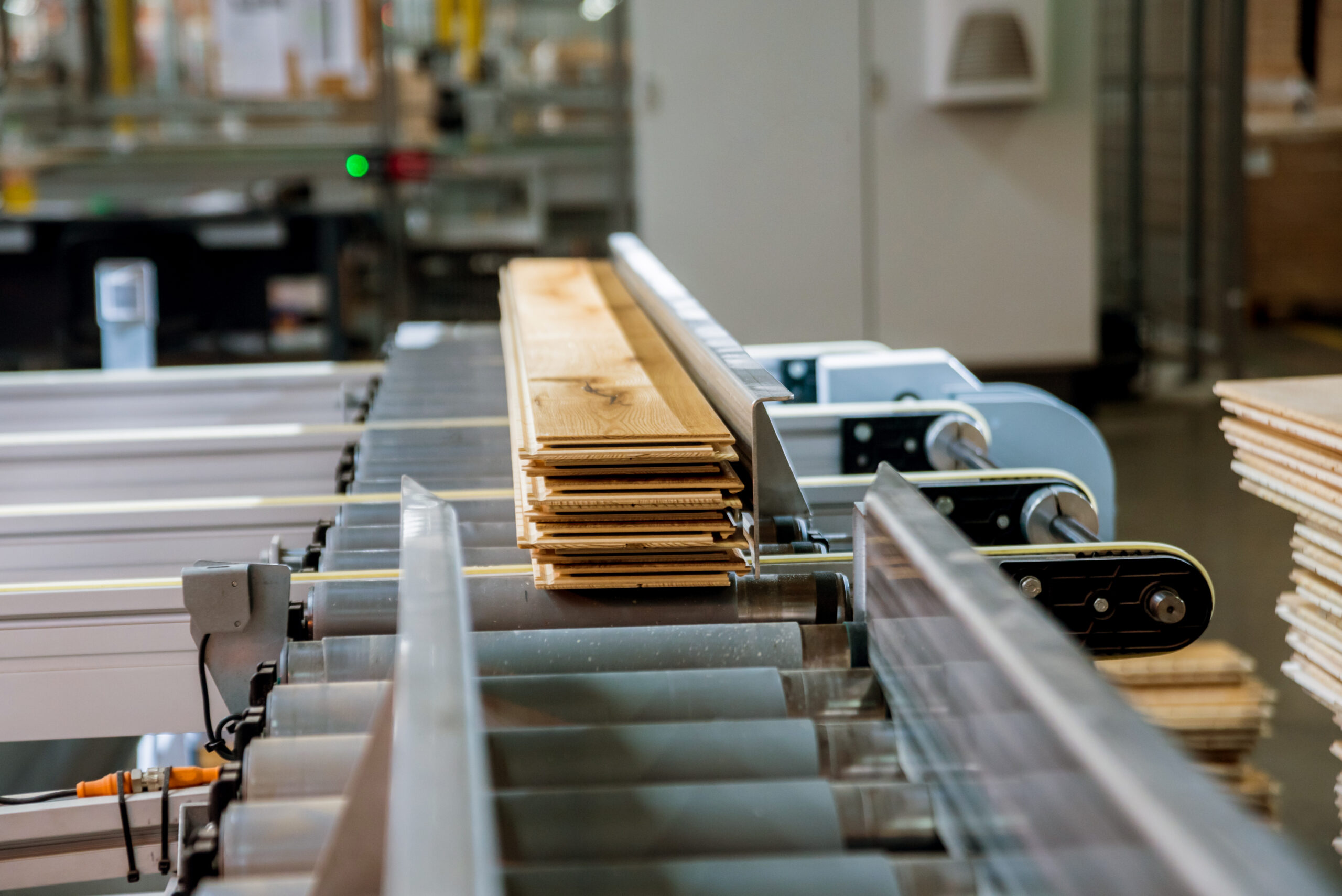
Machine Program Generation
Automatically generate ISO code for machining one or more pieces on 3-, 4-, and 5-axis machines. PowerWIN integrates with EasyWOOD for toolpath optimization.

Certifications
With this dedicated add-on module, you can calculate and document the performance of your windows and doors, as well as compare them with the requirements demanded by the supply chain.
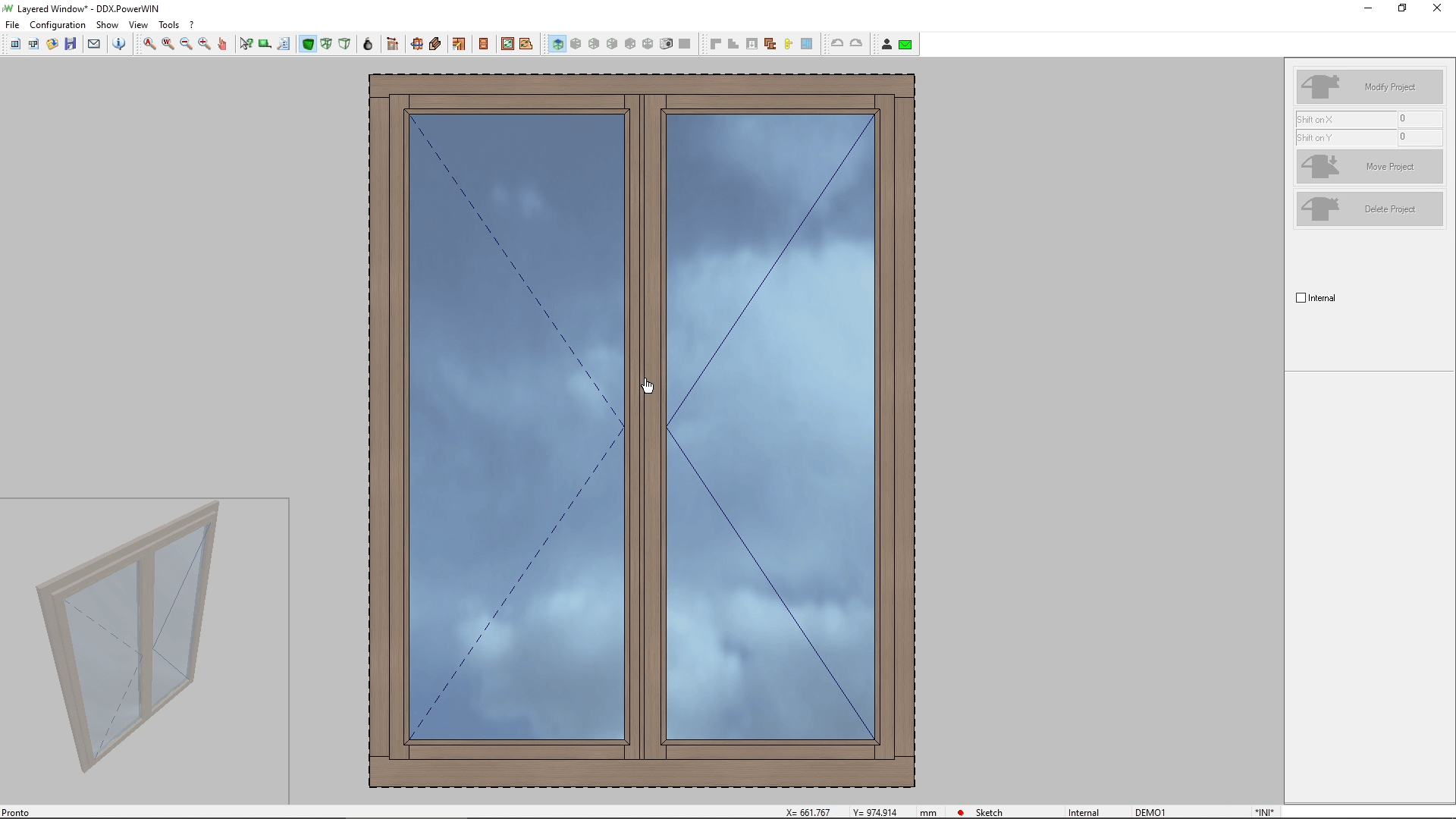
Screenshots from PowerWIN
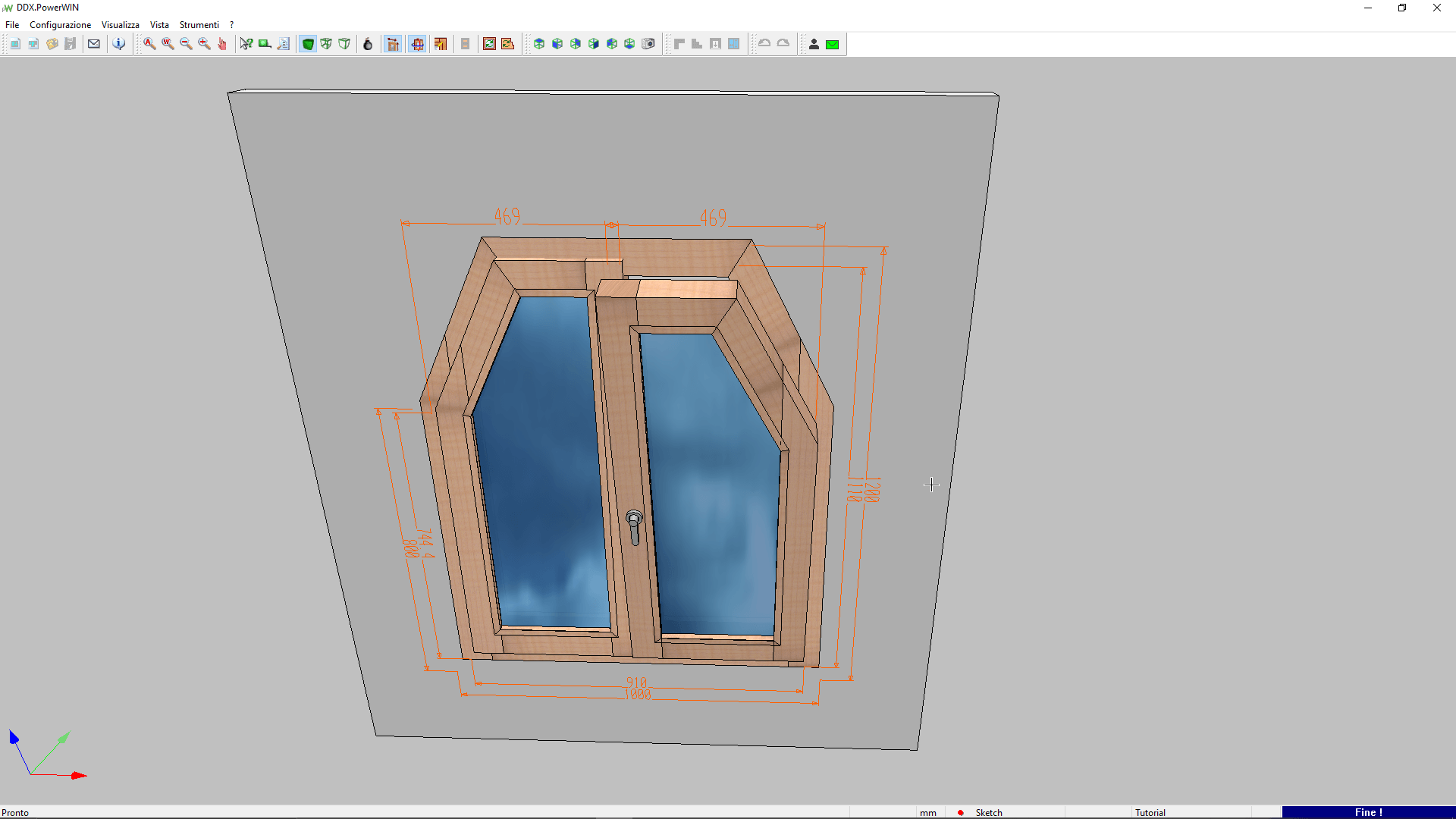
What You Can Do with PowerWIN
PowerWIN Add-On Modules

PowerSIMSimulate operations and visualize your CNC machine. With the "Collision Control" module, avoid potential collisions between tools or parts of your machine. 





|

Automatic CAMAutomatically apply operations to your project based on specific rules and automate the data processing (DXF files).

|

Side-By-Side FramesWith the Side-by-Side Frames module, you can design and produce side-by-side frames in a single project for aesthetic and high-quality results.
|

3D Profiles and SectionsGet an advanced 3D view and section of your frame and its profiles. Automatically calculate vertical and horizontal sections, print them, and export them in DXF format.
|

Aluminum Management LibraryManage aluminum parts and accessories for your wood/aluminum frames. In addition to various components, you will also find the corresponding codes and cutting lists.
|

Shutters ModuleThis module allows you to manage the shutters in your project: fixed or variable-step blinds, external shutters (with or without framing), and internal shutters.
|


One Solution Partner: Related Products



Do you need more information?
Would you like to receive further details about our software solutions?
Do you need more information?
Support request
Technical support ticket